Education
Education
A course in Greek. The lessons are listed in English here; the videos themselves are spoken in Greek.
This series is for colleagues who have the software and want to work it themselves. If you would rather send us the case, you need none of it.
The nine lessons
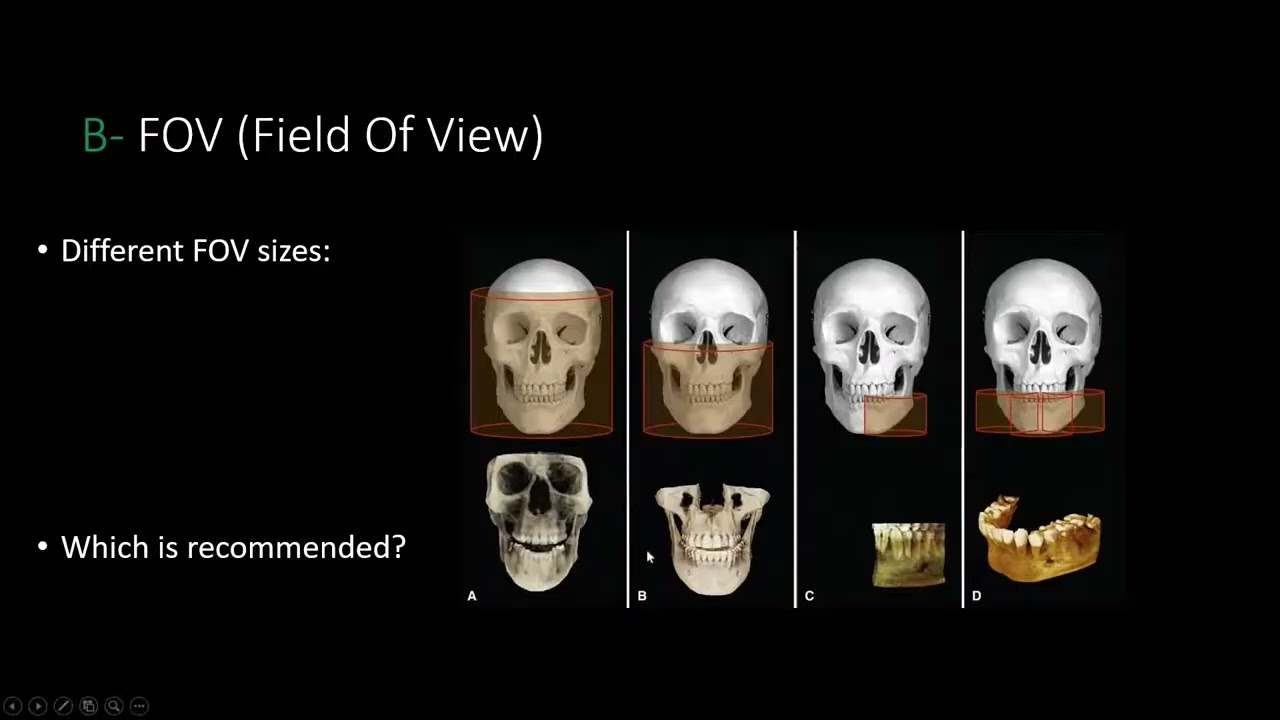 01CBCT check before planningWhat to look at before any planning starts
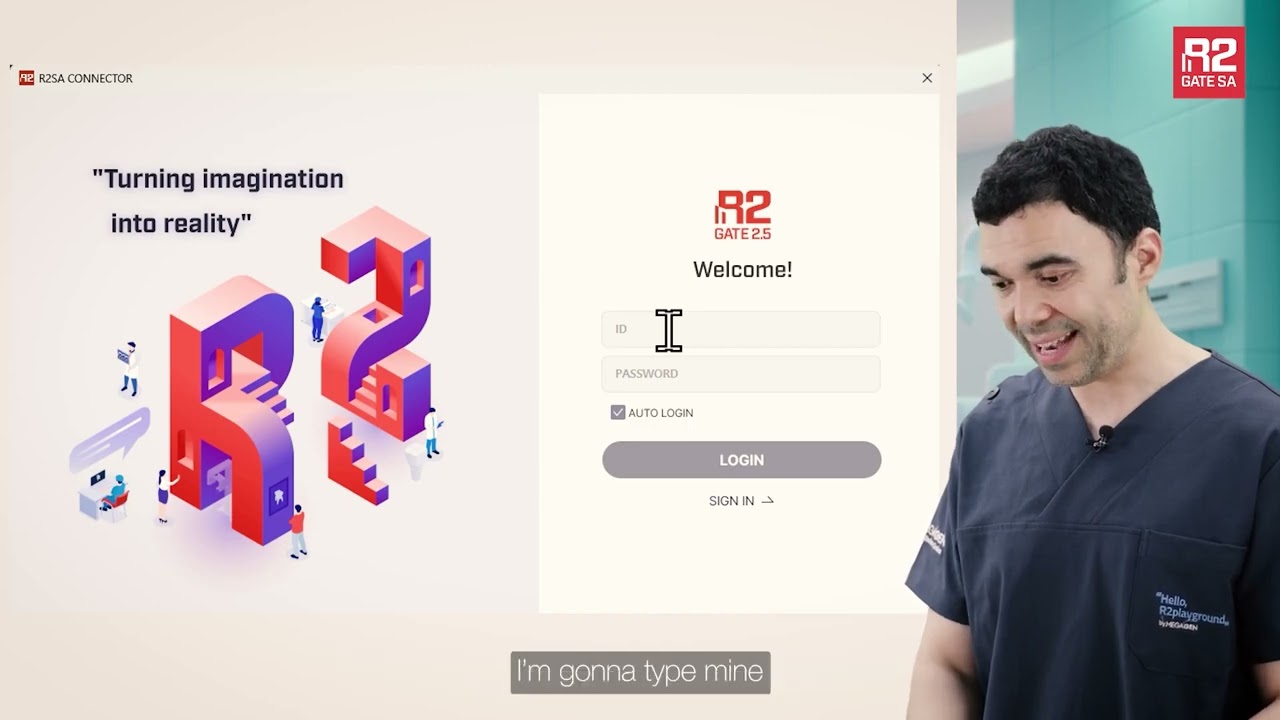 02Getting started with the R2GATE connectorWhere the software is and how it installs
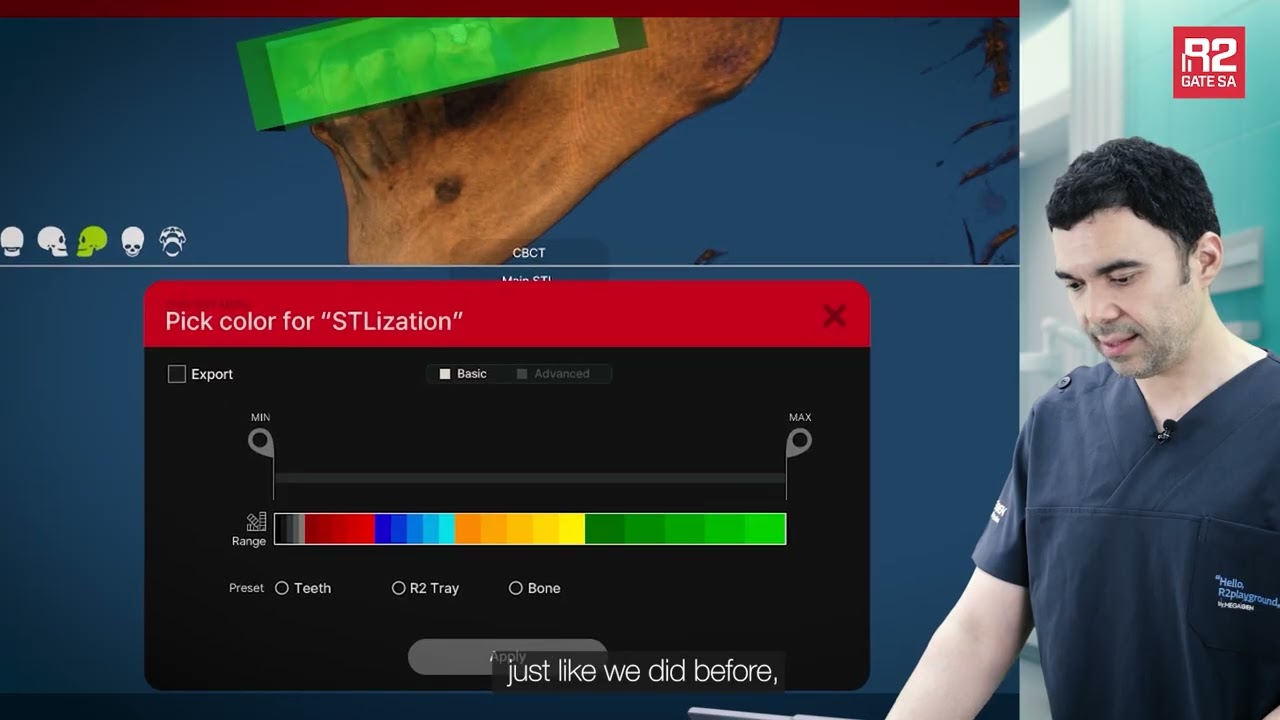 03Merging DICOM with STLHow the two files come together
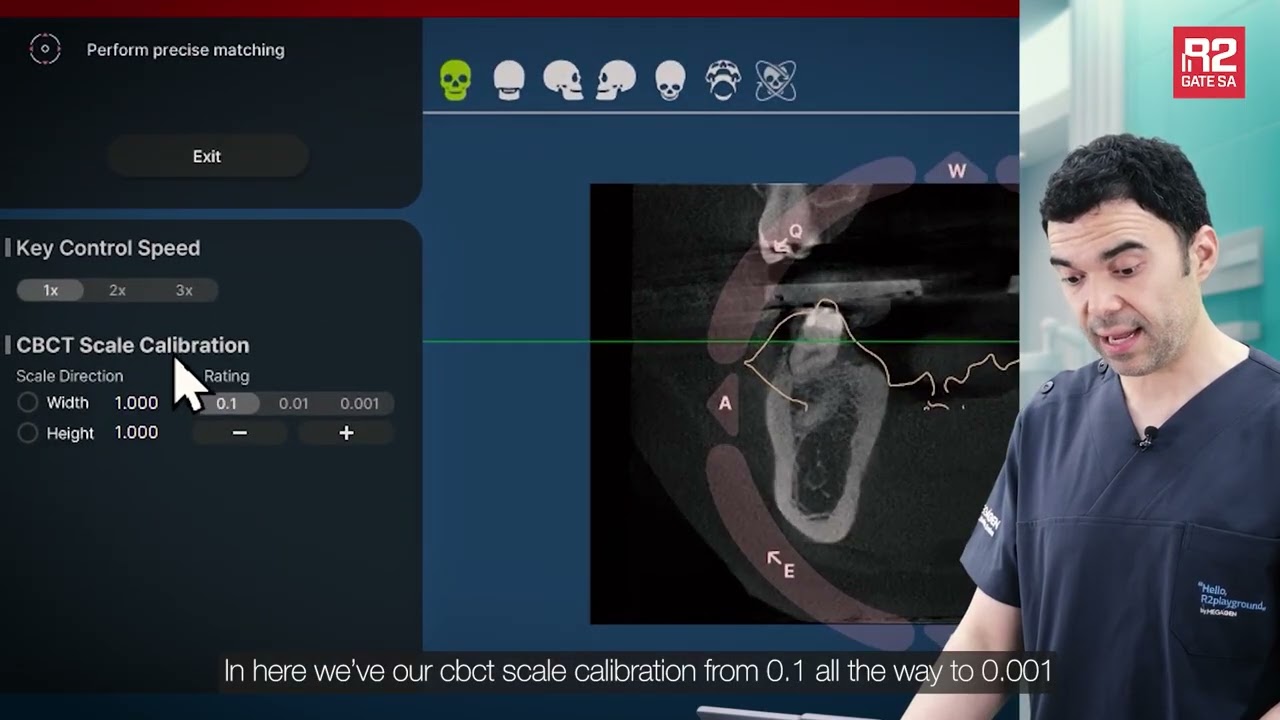 04WindowingSetting the window so the bone reads correctly
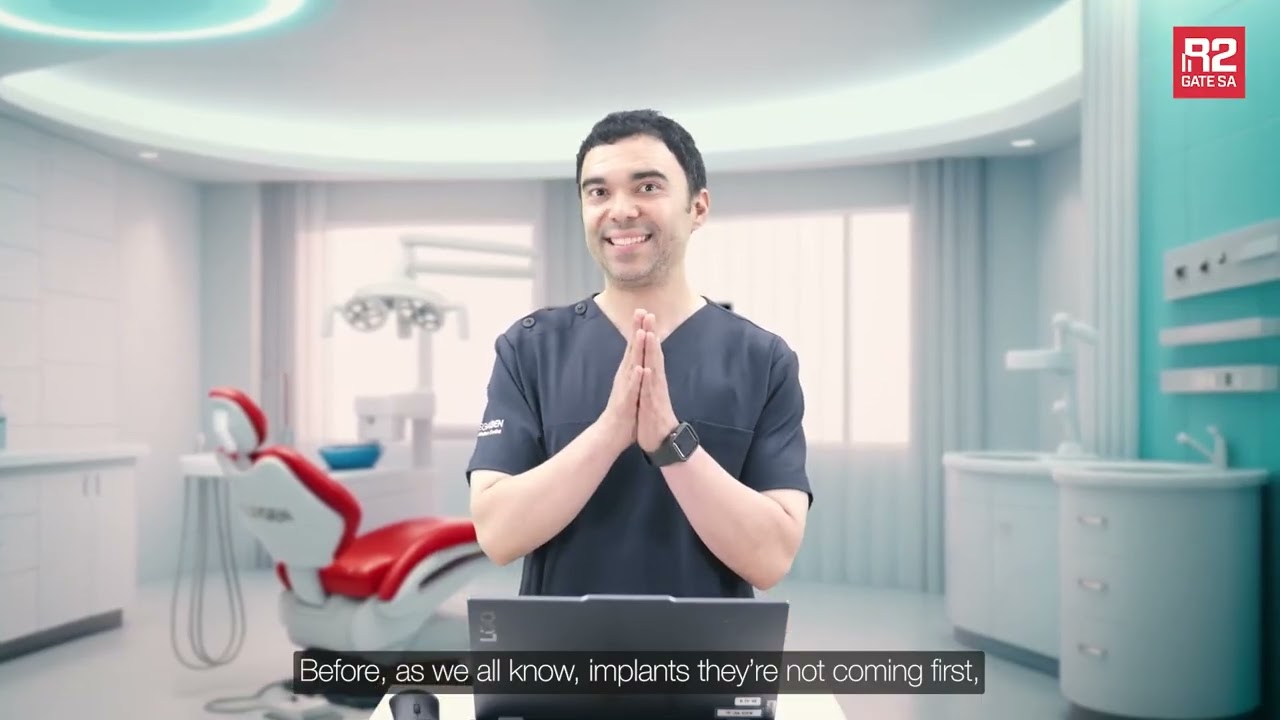 05Digital wax-upProsthetics first, implant second
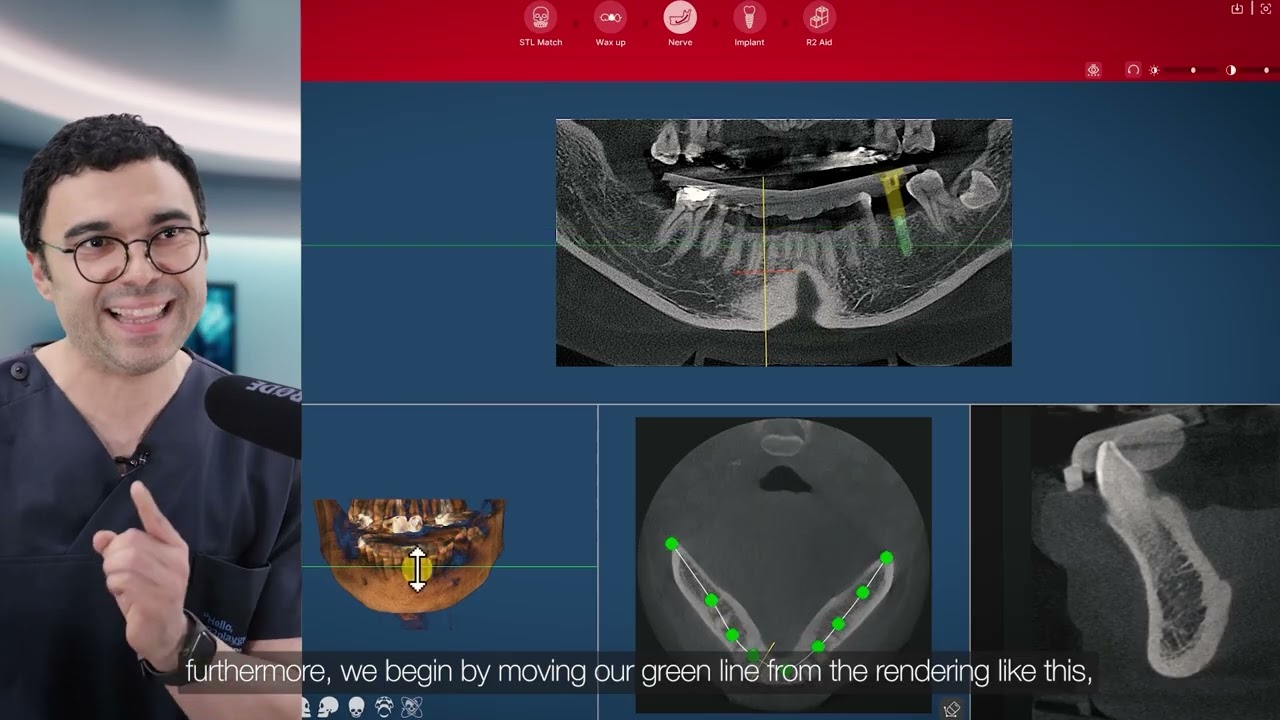 06Tracing the inferior alveolar nerveThe nerve canal and the safety distance
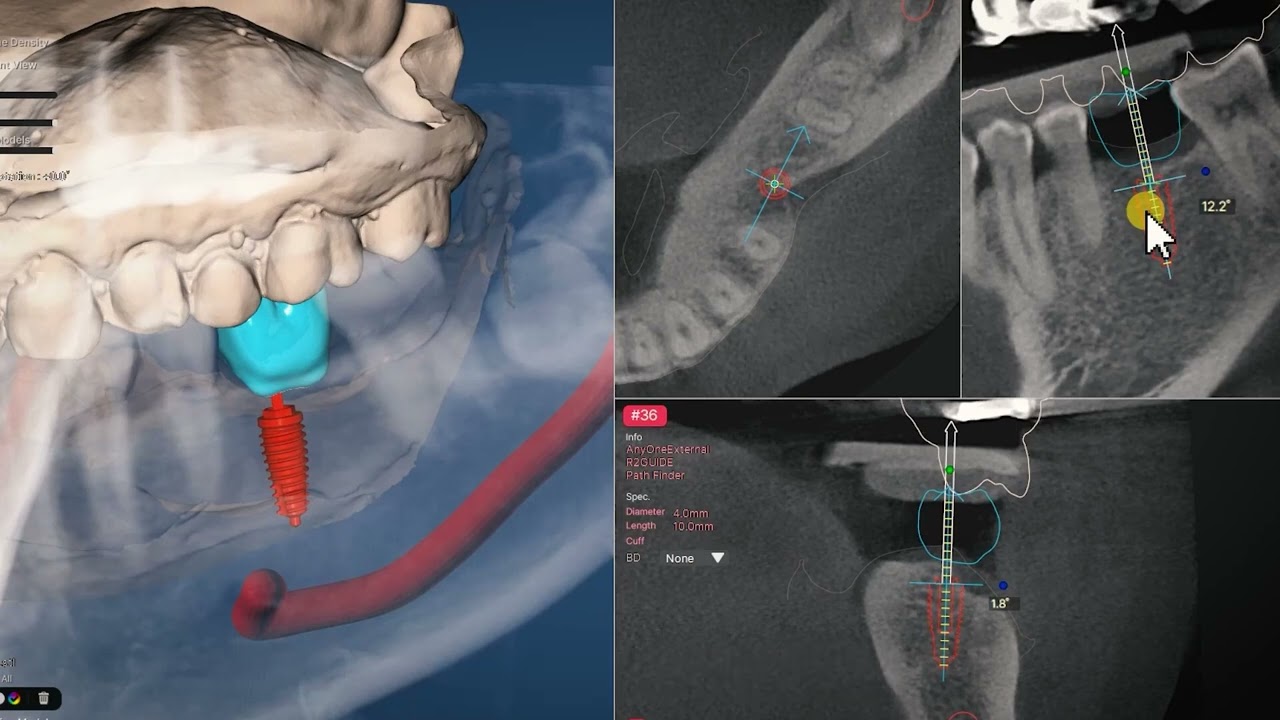 07Implant placementPosition, axis, depth
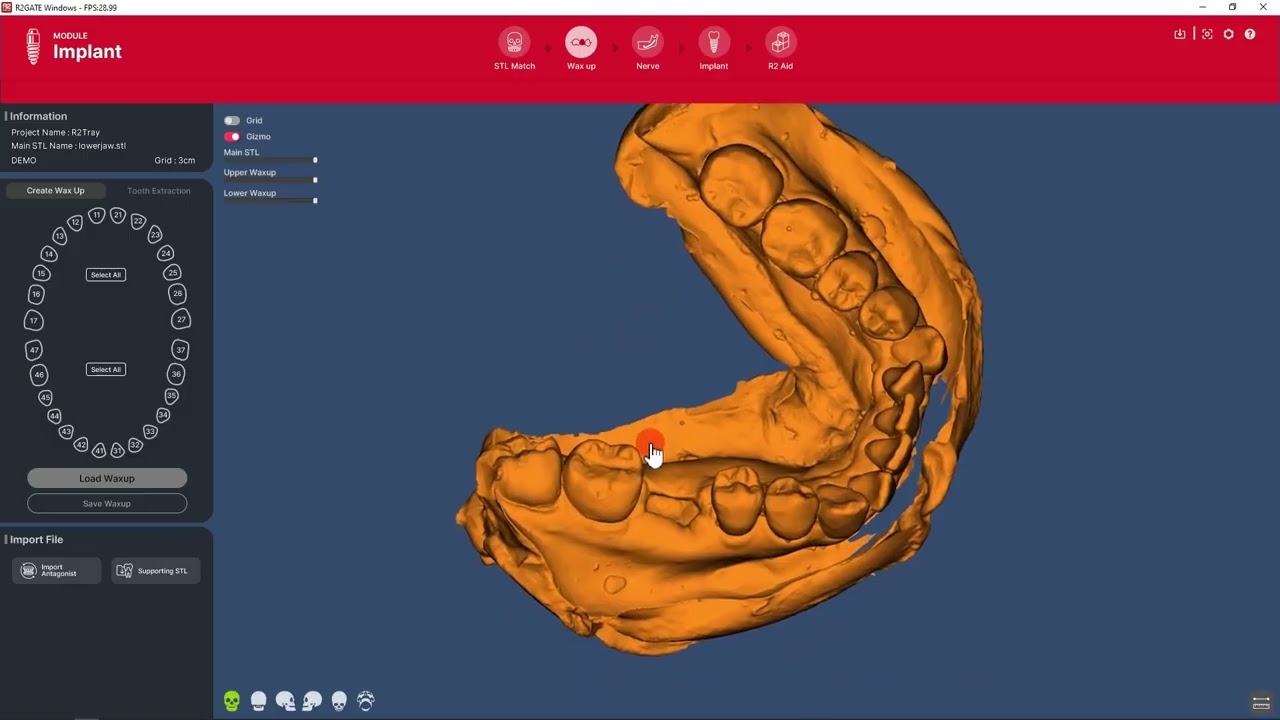 08R2 Tray — matchingHow the tray ties to the scan
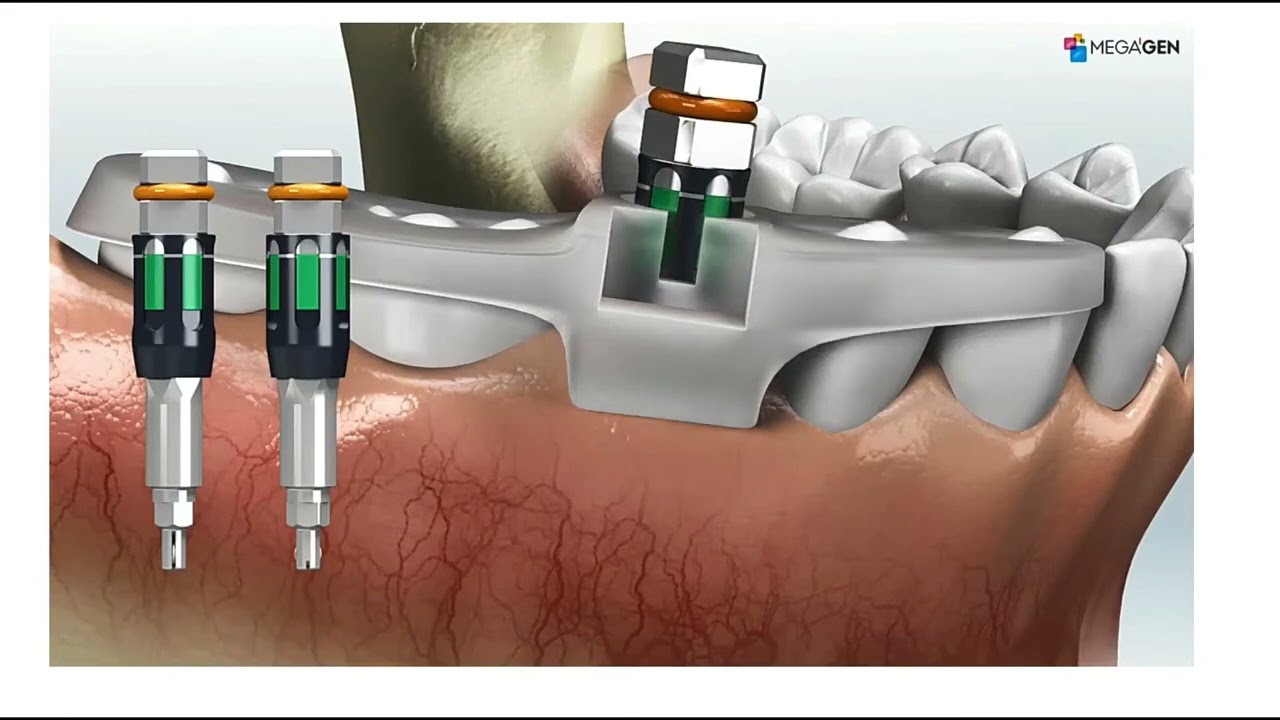 09Case designA whole case, including the surgical cassette
Next step
Upload your first case
The form asks for everything needed so that no phone call is required: the files, the sites in FDI notation, the implant system and the surgical kit. You get a reference number and a tracking link.